Key Numbers at a Glance
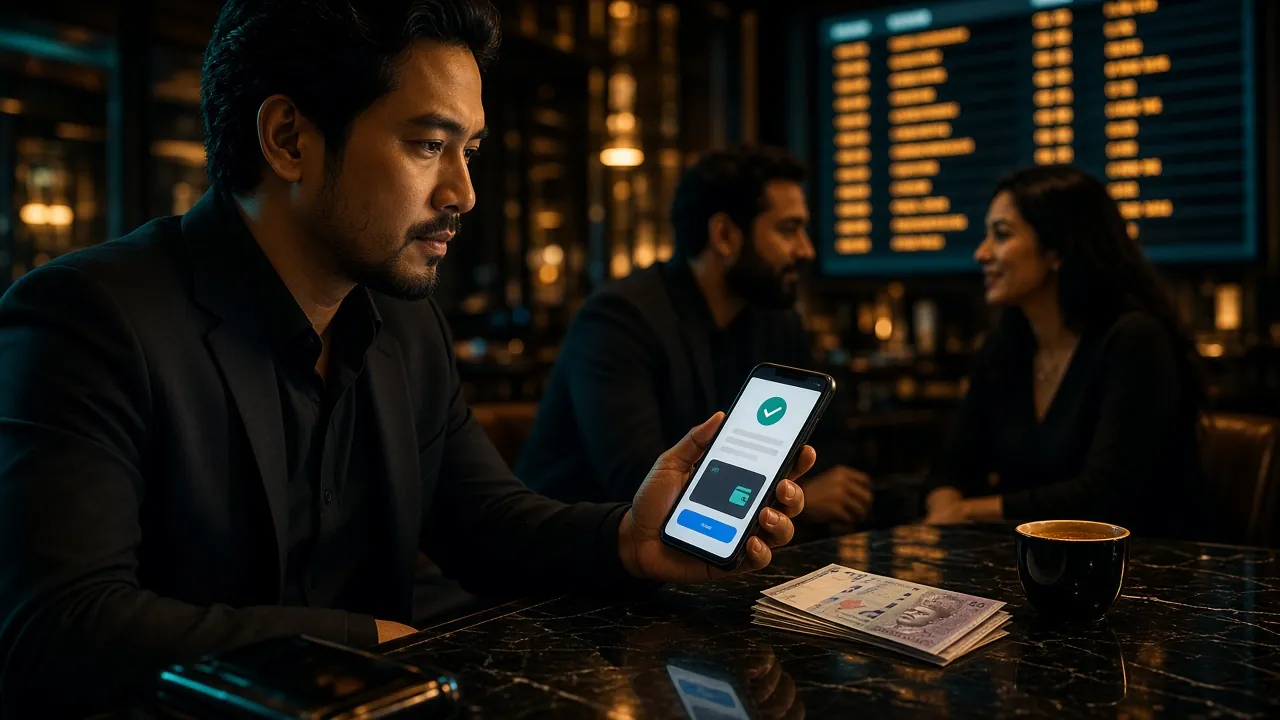
Supported Payment Methods
wira888 accepts four payment channels. All of them are instant or near-instant — no bank cheques, no crypto, no third-party vouchers needed.
-
Touch 'n Go eWalletDeposit: ~3 min
Min: RM40
Top local e-wallet -
DuitNowDeposit: ~3 min
Min: RM40
QR or ID transfer -
FPX Online BankingDeposit: ~3 min
Min: RM40
All major MY banks -
Bank TransferDeposit: ~3 min
Min: RM40
IBG / IBFT
How to Make Your First Deposit
These four steps apply to every payment method. Follow them in order before moving to the method-specific instructions below.
-
01Log in to wira888Go to wira888 Login and enter your username and password. If you do not have an account yet, register first — it takes under two minutes.
-
02Open the CashierTap the wallet icon or select Deposit from your account menu. You will see the list of available payment channels.
-
03Choose a Method & AmountSelect your preferred channel. Enter an amount of at least RM40. The system shows your bonus eligibility before you confirm.
-
04Confirm & VerifyComplete the payment on your bank app or e-wallet. Return to wira888 — your balance updates within 3 minutes. Keep your receipt if you need to contact support.
On mobile? The wira888 App has the full cashier built in — tap Deposit from the bottom navigation bar.
Touch 'n Go eWallet — Detailed Steps
Touch 'n Go is the fastest option for most players. Your TnG balance must be sufficient before you start.
- In the wira888 Cashier, select Touch 'n Go eWallet.
- Enter your deposit amount (minimum RM40).
- wira888 generates a DuitNow QR code on screen.
- Open your TnG app, tap Pay, then Scan QR.
- Point your camera at the QR on screen and confirm the amount.
- Authorise with your TnG PIN or fingerprint.
- Return to wira888 — balance reflects in approximately 3 minutes.
Things to check before you scan
- Your TnG eWallet must be fully KYC-verified (eKYC done) to send amounts above RM200 per transaction.
- QR codes expire after 5 minutes. If you do not scan in time, go back and generate a new one.
- Make sure your TnG balance plus reload limit covers the deposit amount.
DuitNow: Two Ways to Pay
DuitNow works through most Malaysian banks and e-wallets. You can pay by scanning a QR code or by entering a DuitNow ID directly.
- Select DuitNow in the wira888 Cashier.
- Enter the amount (minimum RM40) and click Generate QR.
- Open your bank app or e-wallet that supports DuitNow QR.
- Tap Scan & Pay and scan the QR displayed by wira888.
- Double-check the payee name and amount, then confirm payment.
- Your wira888 balance updates within 3 minutes.
- Select DuitNow, then choose ID Transfer.
- wira888 displays a DuitNow ID (mobile number or business registration number).
- In your bank app, go to Transfer → DuitNow, enter the ID shown.
- Enter the exact amount and add your wira888 username as the reference.
- Confirm in your banking app. Keep the transaction receipt.
- Balance reflects within 3 minutes; if not, submit the receipt to Live Chat.
FPX Online Banking: Pay Direct From Your Bank Account
FPX connects directly to your bank's internet banking portal. No third-party app needed — just your existing bank login.
- In the wira888 Cashier, tap FPX Online Banking.
- Enter the deposit amount (minimum RM40).
- Select your bank from the list (Maybank, CIMB, RHB, Public Bank, Hong Leong, AmBank and others are supported).
- You are redirected to your bank's secure login page — this is genuine FPX infrastructure, not a third-party page.
- Log in with your bank credentials and approve the transaction (TAC or push notification).
- You are redirected back to wira888 automatically. Balance updates within 3 minutes.
Bank Transfer (IBG / IBFT)
Direct bank transfer is best if you prefer not to use an e-wallet or FPX redirect. It uses the same 3-minute processing target.
- Select Bank Transfer in the Cashier.
- wira888 displays a beneficiary bank account number and name.
- Log in to your bank's internet or mobile banking.
- Create a new payee using the account details shown. Enter your wira888 username as the payment reference — this is mandatory for the system to match your deposit.
- Enter the amount (minimum RM40) and authorise the transfer.
- Upload the transfer receipt inside the Cashier (take a screenshot of your bank's confirmation screen). This speeds up manual verification if automatic matching takes longer than usual.
- Balance updates within 3 minutes once the transfer is matched.
Why the reference matters
The wira888 payment system matches incoming bank transfers by reference number. If you leave the reference blank or write something else, the deposit sits unmatched and requires manual review by the finance team, which can take up to a few hours. Always copy your username exactly.
Deposit Didn't Go Through? Common Causes and Fixes
Most deposit failures are quick to resolve. Check the table below before contacting support.
| Symptom | Likely Cause | What to Do |
|---|---|---|
| Balance not updated after 10 minutes | Payment matched but processing delayed on bank side | Check your bank app to confirm the deduction. If debited, send the receipt to wira888 Live Chat. |
| QR code invalid or expired | QR code was not scanned within 5 minutes | Go back to the Cashier and generate a fresh QR. Do not scan an old one. |
| Amount below minimum | Deposit entered under RM40 | Increase the amount to at least RM40 and try again. |
| FPX shows "bank temporarily unavailable" | Your bank's FPX gateway is under scheduled maintenance | Switch to DuitNow or Touch 'n Go eWallet for immediate access. |
| Bank transfer not matched | Reference field left blank or incorrect | Upload your bank receipt in the Cashier. Contact Live Chat with the transaction ID and your wira888 username. |
| TnG deducted but wira888 shows pending | TnG–DuitNow connection timed out | Wait 5 minutes; if still pending, forward the TnG transaction number to Live Chat. |
| Deposit declined at checkout | Daily bank or e-wallet limit reached | Check your bank app limits. Try a different payment method or top up your TnG balance first. |
wira888 has 24/7 Live Chat. When you contact support, have your transaction reference number, the payment method used, and the amount ready — this lets the team resolve your case without additional back-and-forth.
Your First Deposit Unlocks a 120% Welcome Bonus
When you make your first wira888 deposit, you are eligible for the Welcome Bonus. The bonus is applied automatically — you do not need a promo code.
| Condition | Value |
|---|---|
| Bonus percentage | 120% of first deposit |
| Maximum bonus | RM650 |
| Minimum qualifying deposit | RM40 |
| Wagering requirement | 11× (deposit + bonus amount) |
| Validity period | 7 days from deposit date |
| Eligible games | Slots, Live Casino, Fishing, Crash |
Example: deposit RM100 → receive RM120 bonus → total playing balance RM220 → wagering target RM220 × 11 = RM2,420 before withdrawal.
Questions Players Ask About Deposits
What is the minimum deposit amount at wira888?
How long does a wira888 deposit take to arrive?
Is there a maximum deposit limit per transaction?
Can I deposit using someone else's bank account?
Do I need to verify my account before depositing?
Will my deposit count towards the Welcome Bonus?
What happens if I deposit but the funds do not appear?
Can I deposit via the wira888 mobile app?
Ready to Top Up?
Your first deposit of RM40 or more unlocks a 120% Welcome Bonus up to RM650. Register in under two minutes and head straight to the Cashier.